
How To Build Your Own Software In An Afternoon (No More Manual Workflows)
Bonus:
Leon was working 20 hours per week, just to keep his spreadsheets alive.
He runs a fitness company that helps athletes recover from injuries. He needs to be organized to keep track of all his clients.
Keeping track of progress, updating his CRM, communicating via chat, copy-pasting updates into the training plan. It all took away so much time and joy. He wanted to work on growing his company, not on keeping his tools up to date.
Even the thought of adding more clients made him anxious, because that would lead to even more admin work.
But now, he spends less than 1 hour per week on admin work. All while more than doubling his customer base.
And the changing factor was building his own custom software. The training plans, client's progress, communication - everything is in one place.
This guide shows you how you can get started building your own software. And the best part: You don't need any technical knowledge.
The tools you're paying for are holding you back
From 2015–2025, we saw an explosion in software tools everywhere. Chances are high that your company is paying a fortune for all these tools.
Don't get me wrong, software tools are great and worth every penny.
However, things changed in the last two years with AI becoming so good that these software tools are completely outdated.
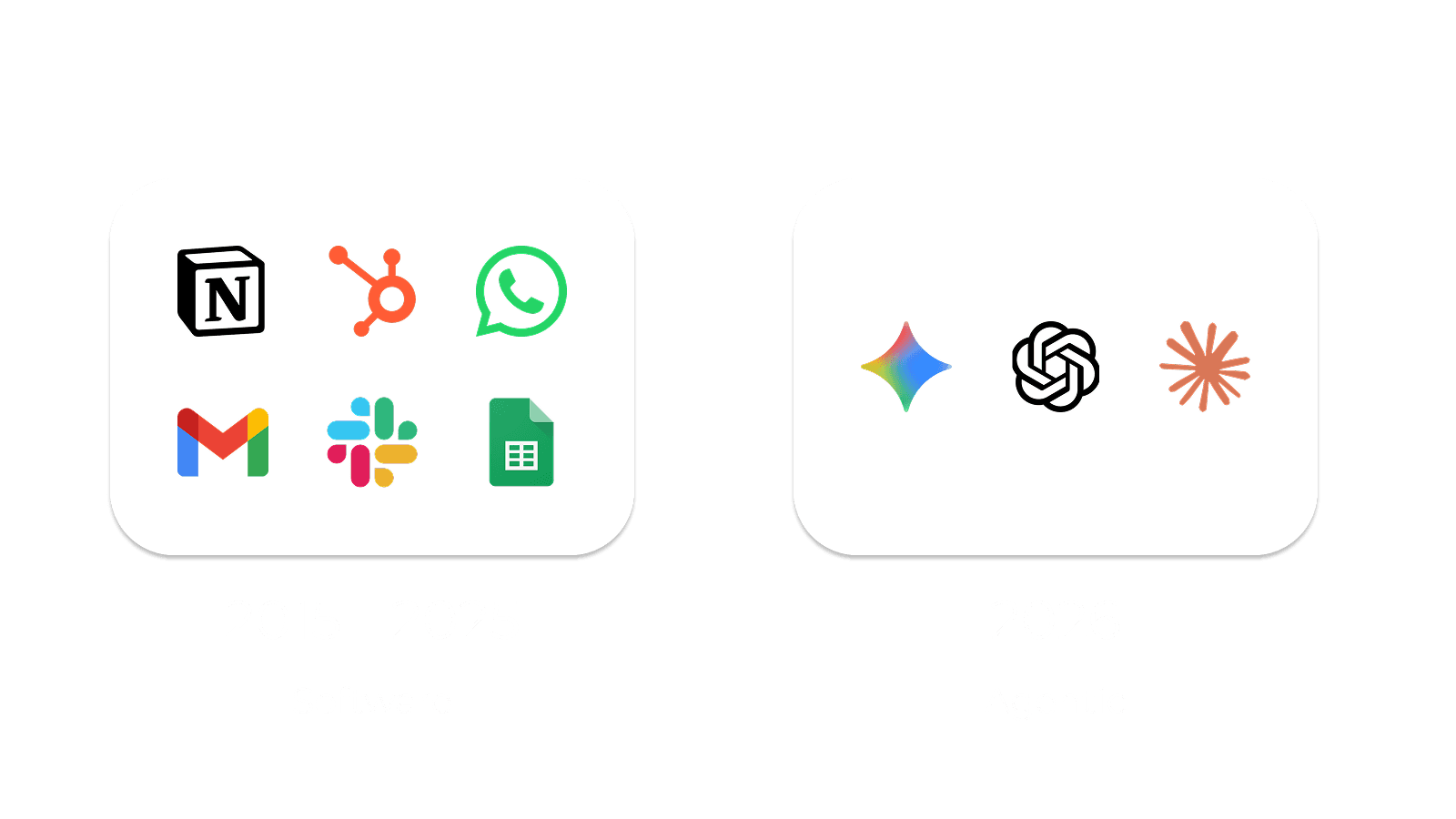
The old model was connecting all these different software tools together.
But the new model looks different. It's about building your own software that is fully integrated and customized to your needs and workflows.
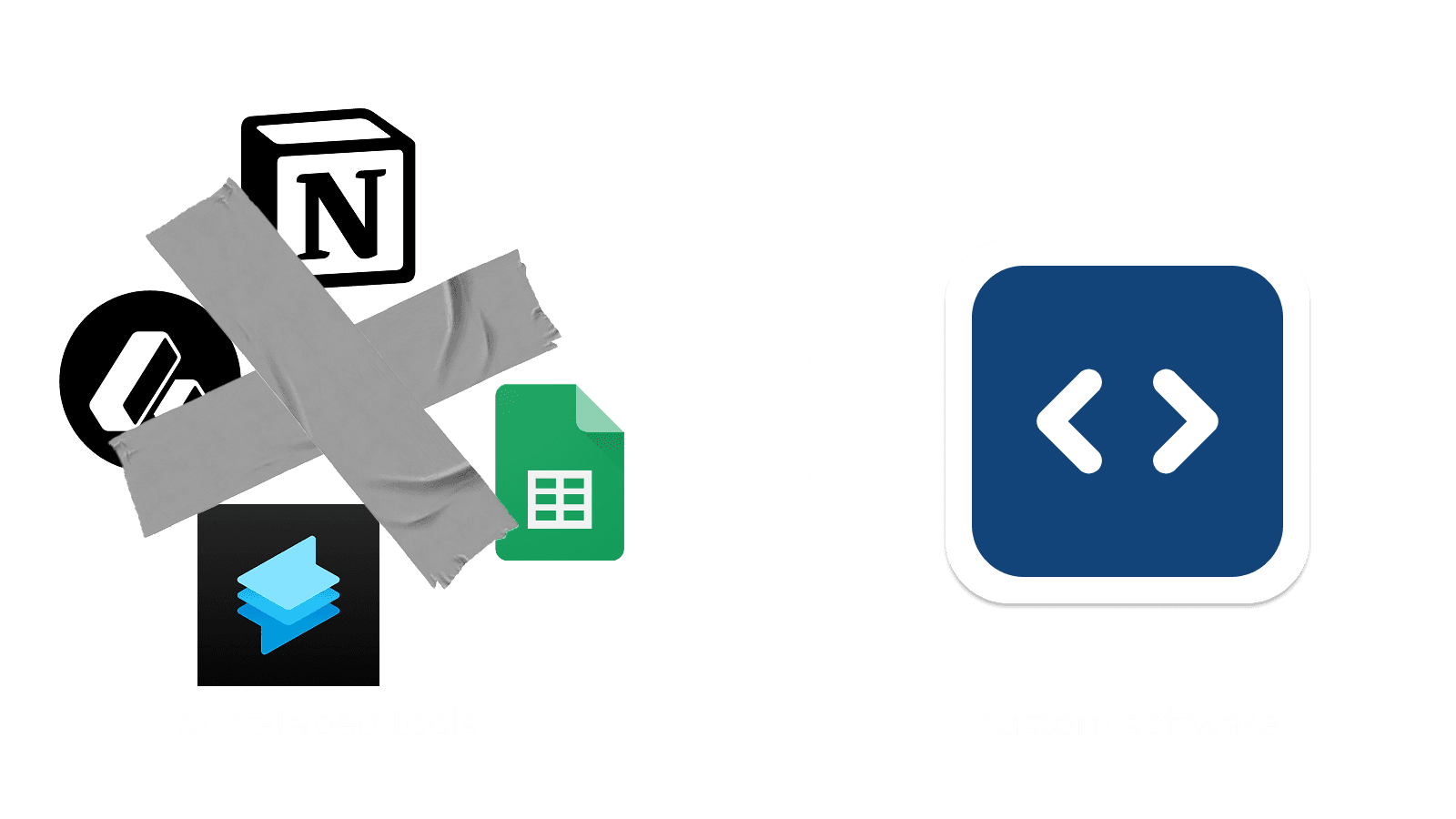
Imagine having one dashboard that gives you a full overview of your entire company. What are the numbers looking like this week? What projects are currently being delivered or blocked? What customer needs your urgent support?
Whatever future you can imagine, it is now possible. It's the most exciting time in software development, because everyone can now build software.
This guide gets you started making the first step.
Not so fast, why should I build my own software though?
Excellent question, I'm glad you asked.
If you want to keep spending time on manually updating tools (or hire employees to do that for you), custom software is not the right thing for you.
Previously, tools like Zapier or n8n were able to help you connect tools and workflows. However, they're dropping the ball on seeing the bigger vision.
The more you build with these tools, the more dependence you have on them. It's one additional tool to integrate and make you dependent. They drop the ball on reducing the tool-load for you (besides charging you a sh*t ton of money).
Additionally, it is now possible to integrate all your tooling into one software.
Custom software is the right move for you, if you:
- Are tired of adding more tools, one more monthly subscription, one more thing to keep track of
- Want to reduce how much you spend on SaaS subscriptions
- Want to be fully in control and build up your own IP
- Want to spend more time on your business, not learning how another tool works
- Want your software to work for you, not the other way around
Now, let's get you started.
Your first steps into a bigger world (building software)
This might be the scariest moment yet.
It sounds like this might take weeks, or even months to get started. wrong. I will get you started right now and by the end of this blog post, you already have results.
So, let's make it easy for you. Once the basic tooling is set up, it naturally builds up momentum.
Installing Claude Code
If you don't have an Anthropic/Claude account yet, you need to create one and sign up for the cheapest plan ($20 per month). It will be the best money you've spent.
For this, create an account here: https://claude.ai/
We're going to make use of Claude Code, which essentially does the coding for you. You just guide it with prompts (like you do with ChatGPT).
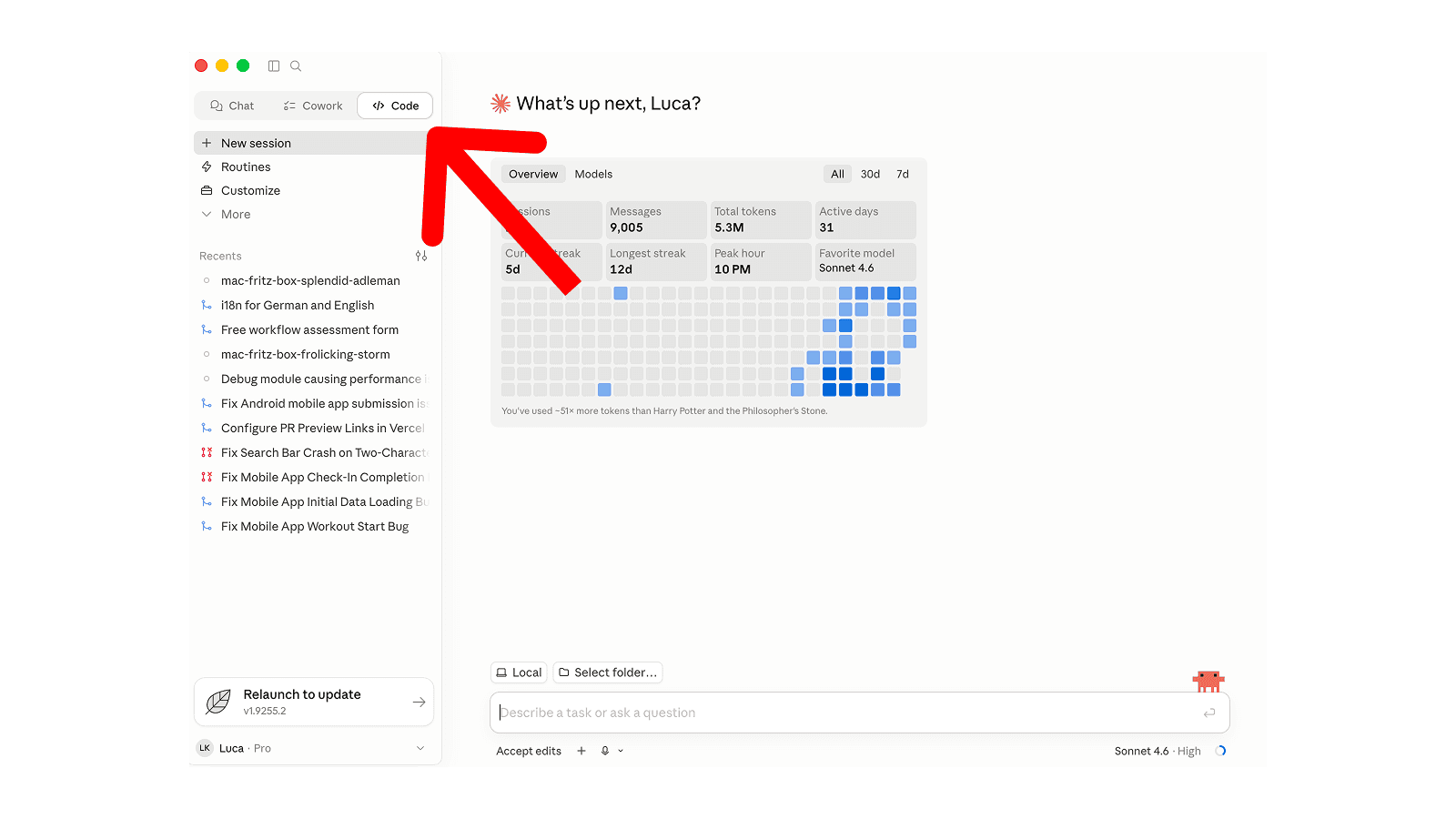
I recommend installing the Claude desktop app, which helps if you're not so technical.
Next, click on Code in the top left navigation bar.
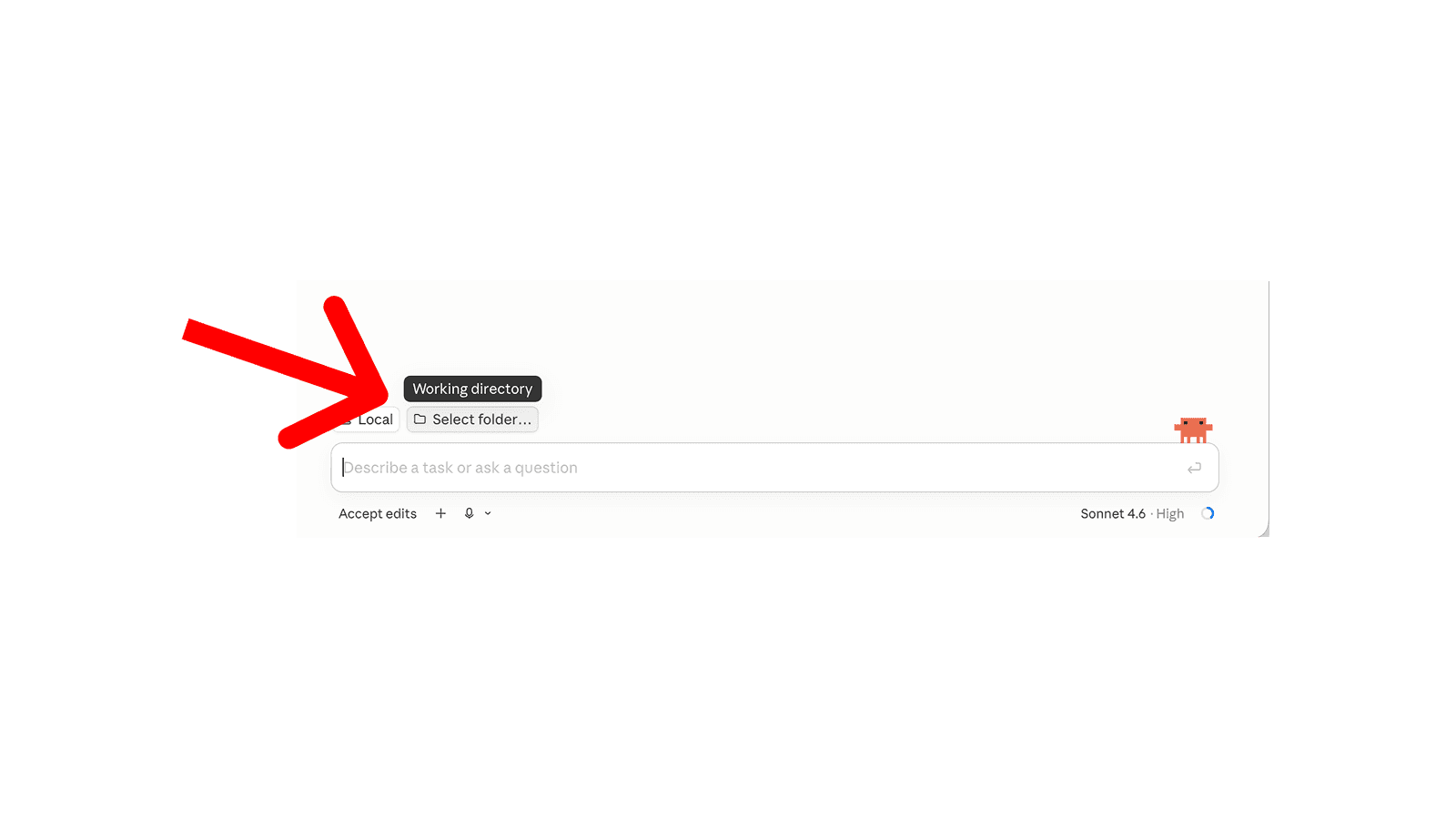
Next, select a new empty folder you want to work in.
I've created a prompt for you to copy-paste into the chat. It will check what other development tools you need to install in order to get started.
You are my setup guide. Your job is to make sure my computer has everything it needs to build a web application with Next.js. I'm not a developer — walk me through this patiently.

How you should behave: …Let's start building things
Now, I want you to copy the following prompt and paste it in the Claude Code chat. This prompt will ask you a few questions on what you want to automate, plan the application afterwards and build it for you.
You are my build guide. Your job is to help me build a simple web application for my business. I'm a business owner, not a developer — keep everything plain and friendly, and drive as much of this as you can yourself.

How you should behave: …Now, the best part comes next:
- You don't understand how to test it? Just ask Claude to teach you.
- It's not working like you expect it? Just ask Claude to fix it.
- You don't like the design of how it looks? Just ask Claude to change it.
- You want to understand how to fully integrate it? Just ask Claude to plan it.
Claude will be your new best friend for building things (and probably also employee of the month).
Before you continue reading, it's crucial that you already copy-pasted the prompt into the chat. So, if you haven't done it yet, please do so now. Once you've answered the questions and have some results, return to this blog post.
A few notes on the road ahead
Done with the initial setup? Amazing! If not, please return to the section above, no skipping ahead here.
Of course, this is for now just a demonstration. Before we can actually publish this, there's a few more things to take care of. Like:
- Setting up a database for storing information
- Implementing security mechanisms
- Logging, to catch errors if something goes wrong
- Making sure we can observe the service and make it reliable
- Actually publishing the software (deploying & hosting it)
All these things are not covered in this guide yet, but will be covered in future guides.
We've also included parts of these things in our bonus material — the prompting library. It will guide you step-by-step to implement all these things with the tooling and requirements that are already available within your company.
Congratulations, you're a software company now
I hope this short example challenges your beliefs on what's possible nowadays. Now imagine all your employees are not only working with this tool, but also on this tool to continuously improve how things get done in your company.
But what do realistic results look like? Let's look at the client I mentioned in the beginning, who runs a fitness company.
We started building a web dashboard to track his clients' training plans and progress. Instead of sending an Excel sheet to his clients, he was directing them into a fully custom-branded app.
The results speak for themselves:
- He drastically reduced his time spent on admin tasks and keeping tools up to date. From ~20 hours/week to less than an hour.
- This freed up his time. Instead of being able to work with 25 clients in parallel, his new capacity is 60–70 clients. A 2.5x increase!
- His clients loved the new structure. The average retention went from ~2 months to ~6 months.
Naturally, he is very happy with the software. The best part is: He continues to develop it himself, even though he's not technical.
Want to get started building your own custom software?
Sign up for our free prompting library, guiding you step by step through every prompt to your first web application.
All you have to do is copy the prompts out of the library and paste them into Claude Code.
We'll guide you through which workflows to automate, how to implement security, and how to publish the software.
P.S. If you would like to talk to us, we offer a free workflow assessment, helping you get started.